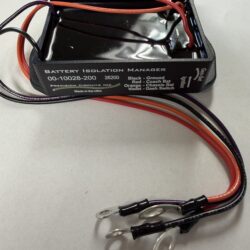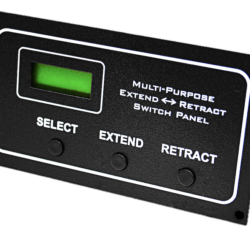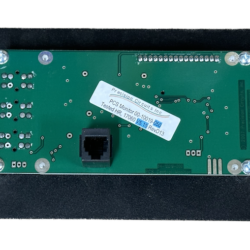
- There is more than one system display panel available, we need your existing part number to determine the correct replacement part number.
- The PCS Monitor displays pertinent Power Control System status information.
- The UP and DOWN buttons are used to step through each individual Screen of information.
- Pressing & releasing either the UP or DOWN button will step to either the Previous or Next Display Screen.
- Once all the Screens have been seen, the next press of the button will wrap back around through all the Display Screens once again.
- The SET Button only functions when the Service Type screen is displayed, to Select between 30A Service and 20A Service. (Note: 50A Service or Generator Service overrides the SET Button.)
If there have not been any key presses for awhile, the PCS Monitor turns off the backlighting to save on power. The first press of any key will only turn on the back lighting.